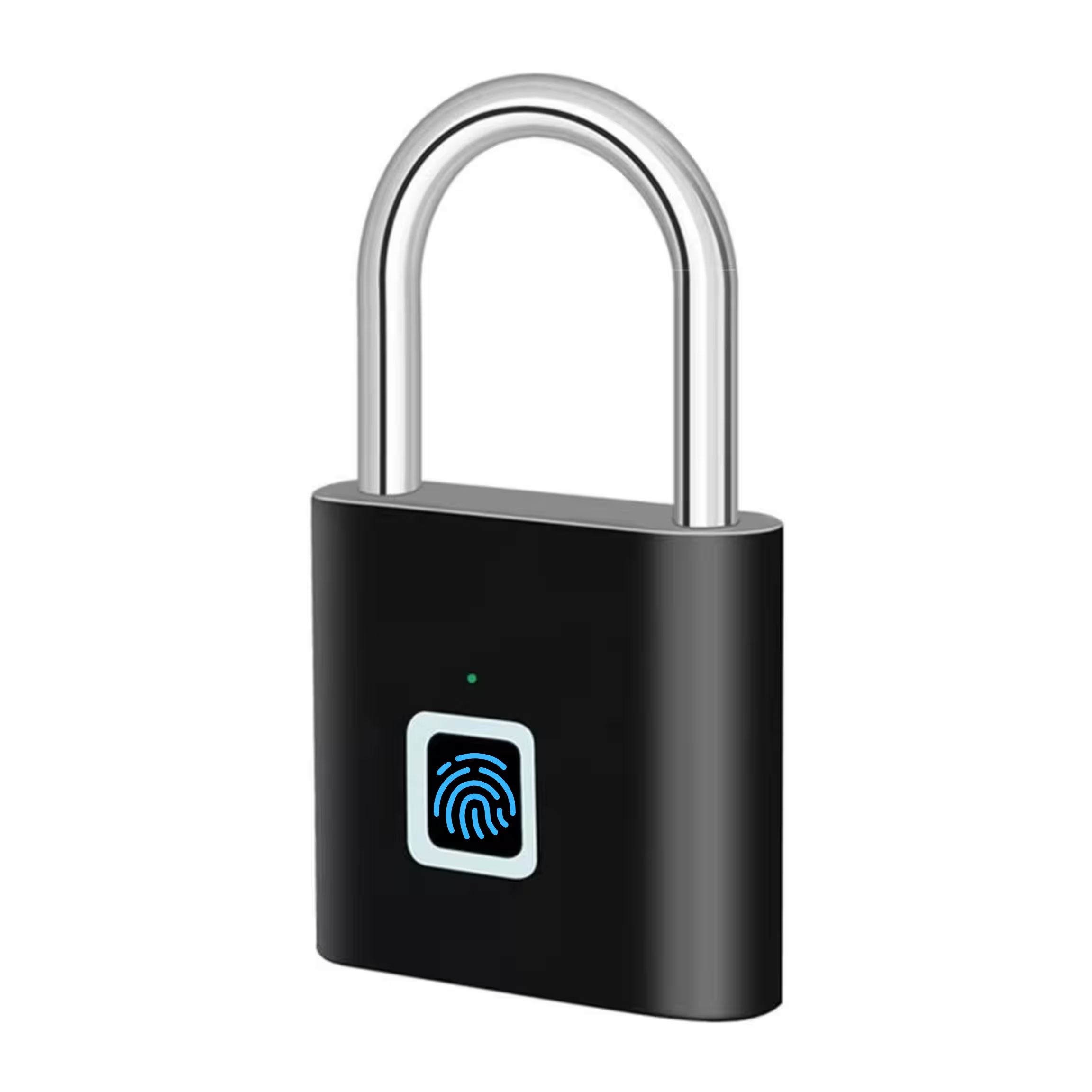
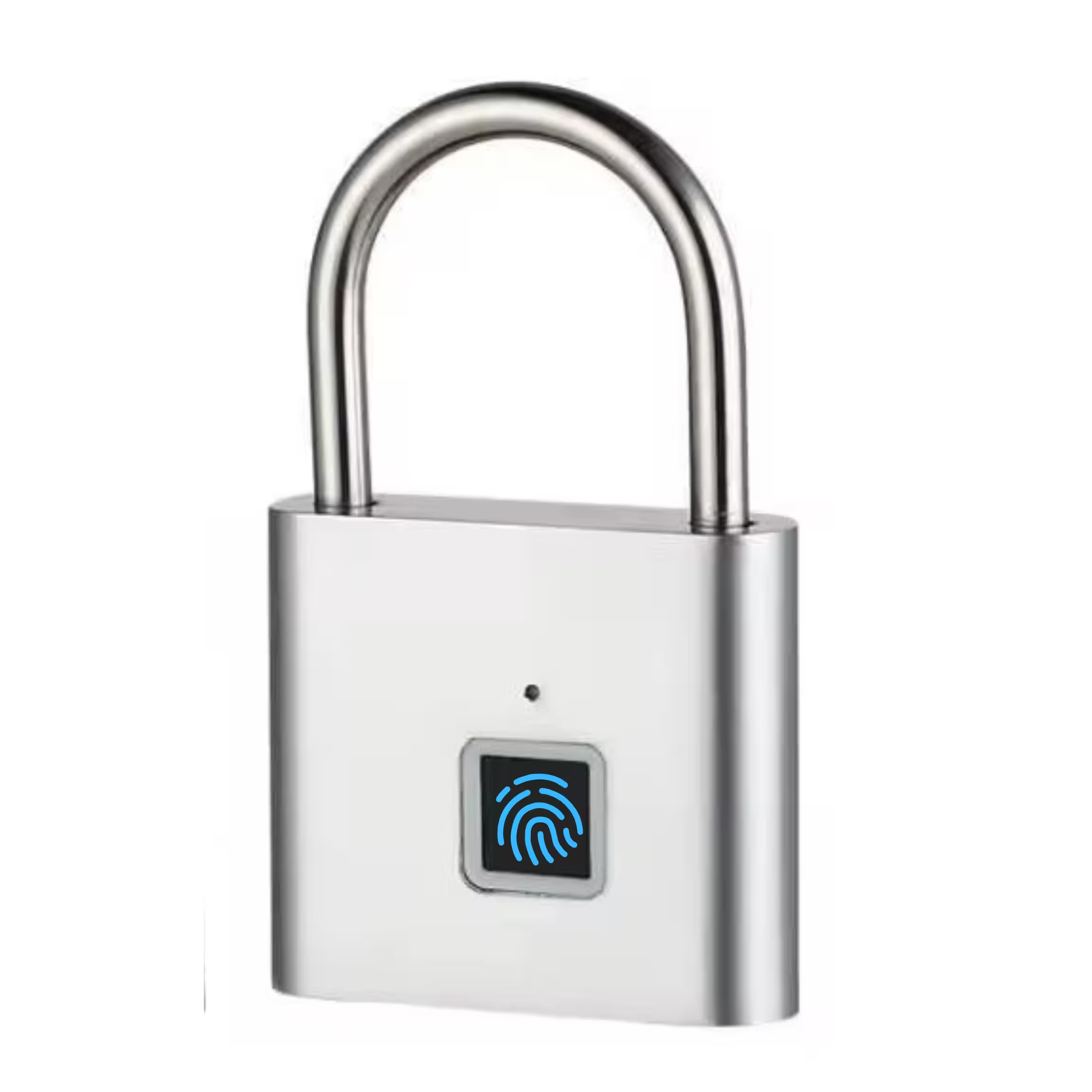
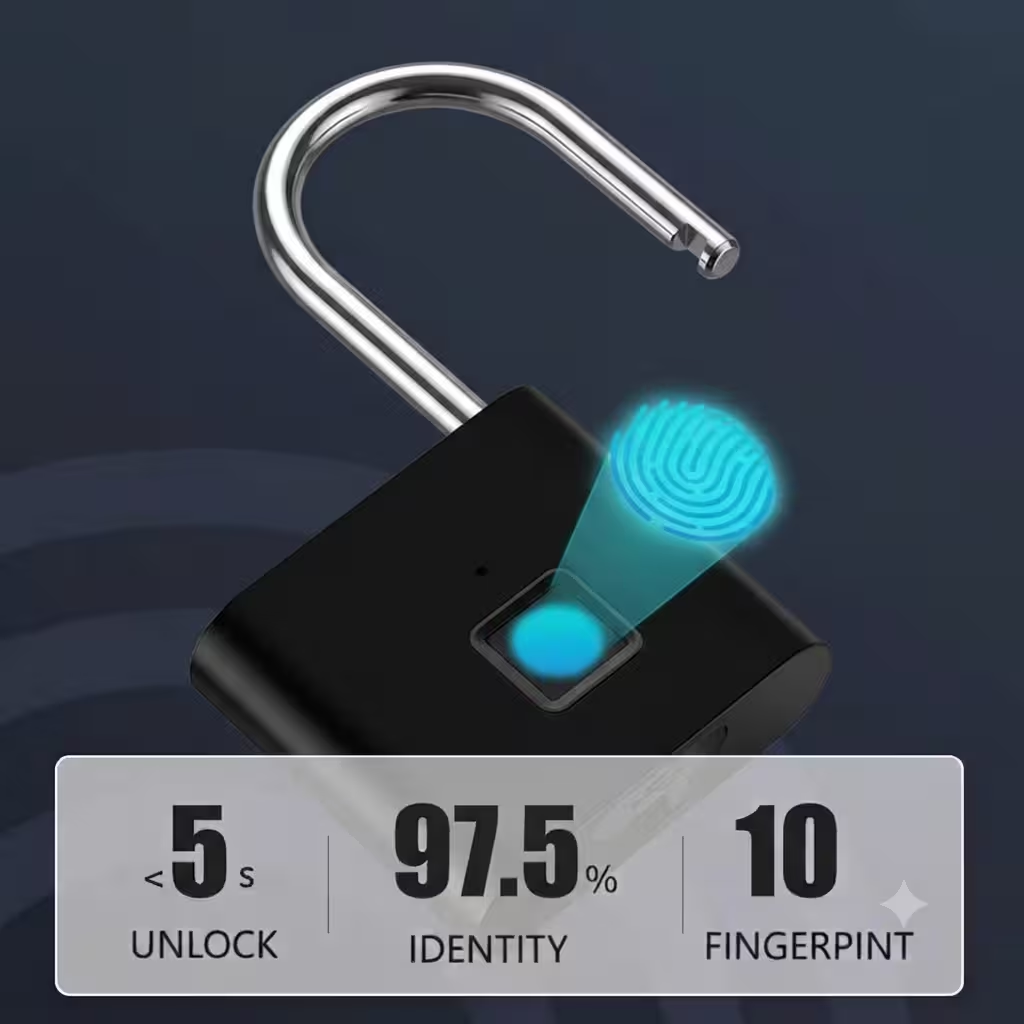
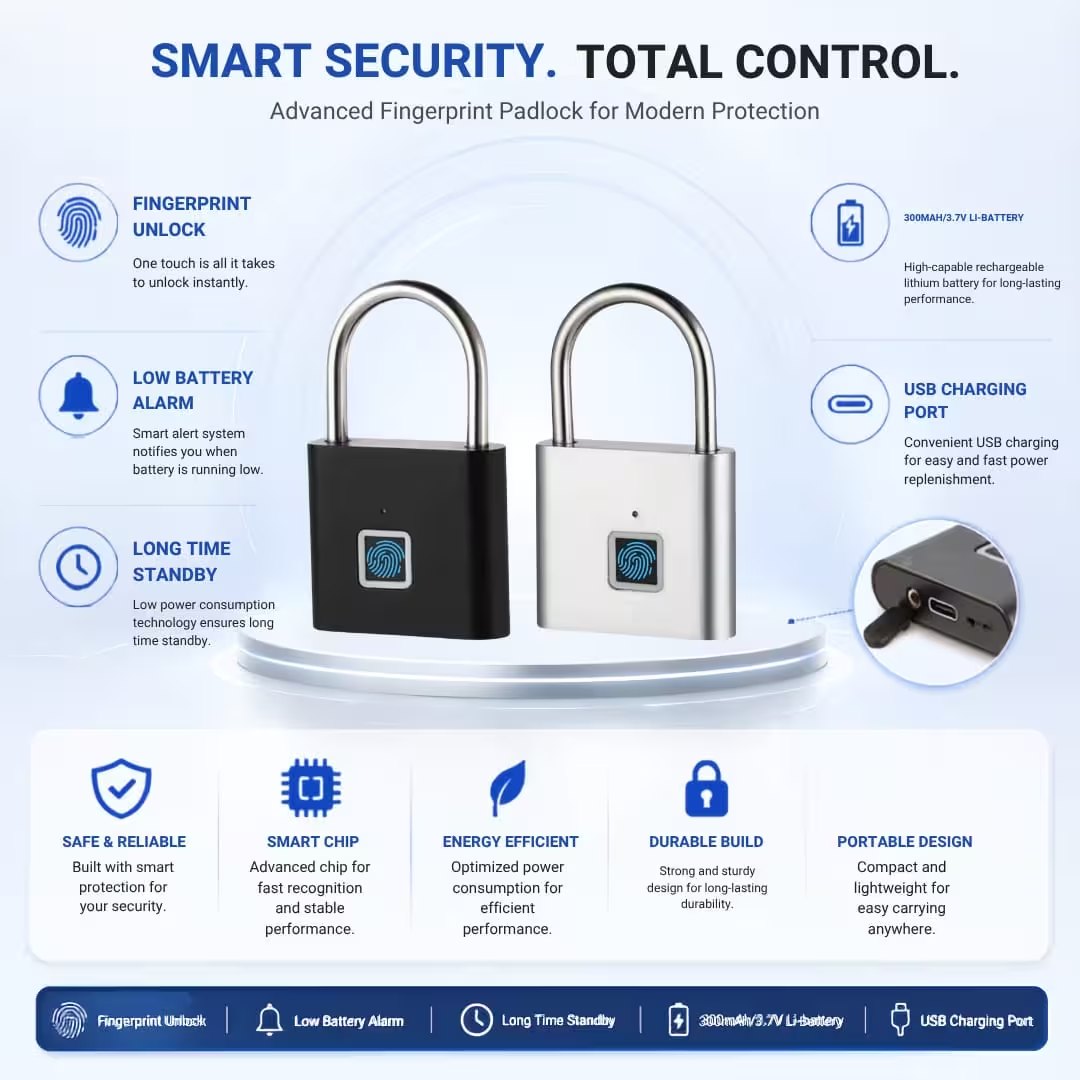
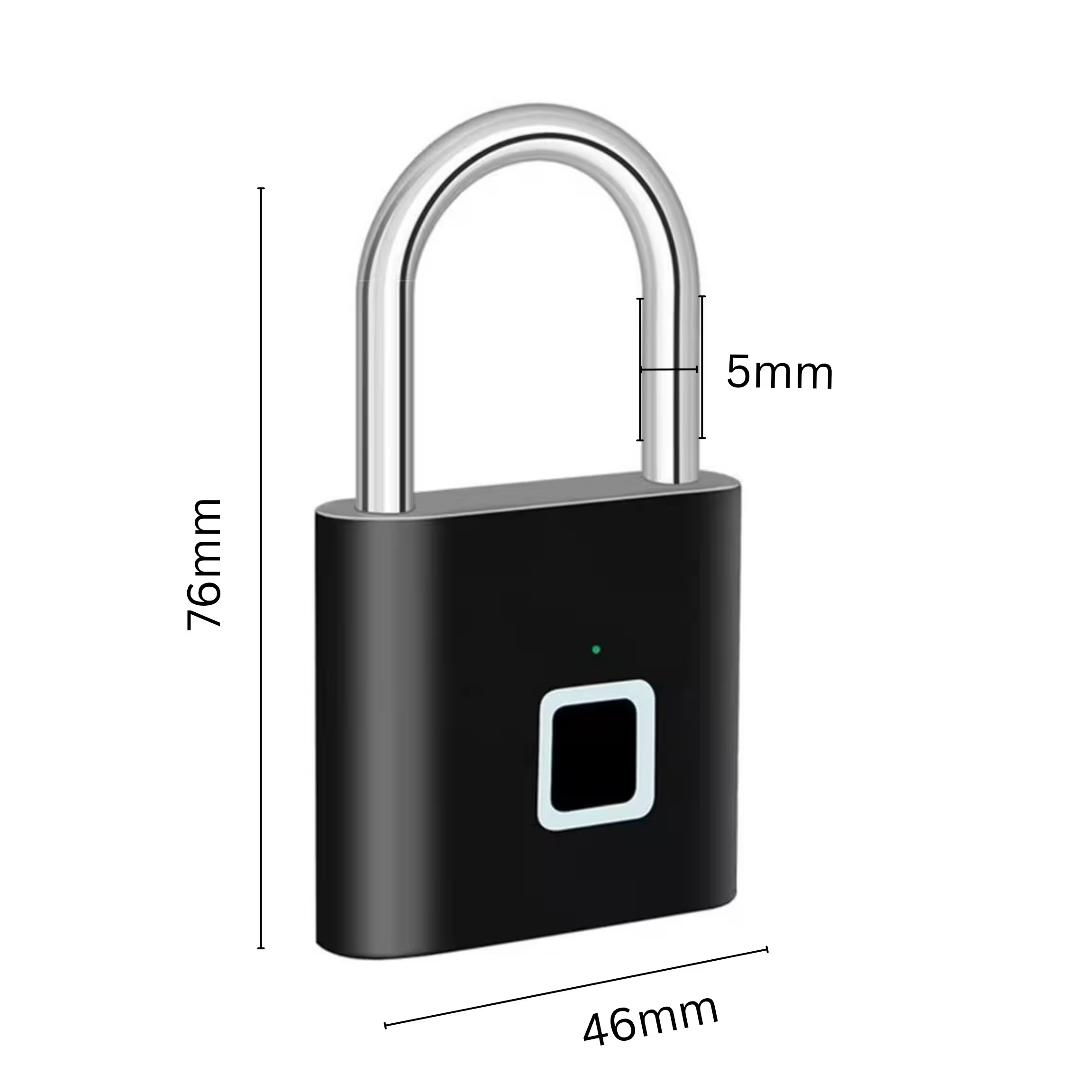
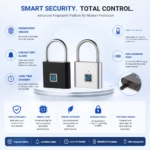
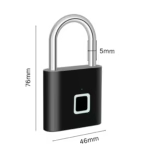
Smart Padlock P100

Original price was: 1,760.00৳ .Current price is: 1,590.00৳ .

🛡️6 months official warranty

Specifications

Attribute Value Attribute Value
Model No P100 Power Supply 300mAh /3.7V
Material Zing Alloy Battery Stand 6 months – 1 year
Fingerprint Capacity 20 Finger Charging Port Type-C Port
Emergency Unlock Morse Password Charging Voltage 5V/200mA

User Manual

You need to register two fingerprints consecutively for the first time. After the successful registration, other fingerprints will not be able to unlock the device.

  1. Activate the registration mode: First, press the fingerprint recognition area with your finger. Once the device is successfully unlocked, do not release your finger immediately. Keep pressing for approximately 6 seconds until the blue light of the device turns on. Only then can you release your finger, and the system will then enter the fingerprint registration preparation state.
  2. Collect fingerprint information: Directly following the previous step, with the blue light on, press your finger multiple times in succession. During the pressing process, slightly change the angle and position of your finger each time to ensure that the features of different parts of the finger are comprehensively collected, and input the fingerprint information as completely as possible. When the green light of the device flashes, please use another finger and continue to press it in the same way. Stop when the green light flashes again.
  3. Verify the fingerprint function: After completing the above steps, first lock the lock properly. Then, press the fingerprint reading area with the finger that has just been registered. Observe whether the lock can flash the green light and unlock. If the blue light still flashes, please repeat the above steps to register again.

Register more fingerprints

  1. Unlock the lock don`t release until the blue light is on
  2. Use the new finger press the lock several times until the blue light off then stop.
    It will be failed if over time, then need do above step again.

Emergency code setting (Morse code)

  1. After setting the fingerprint. Unlock the lock and dont release the finger until the light on white color, then release the finger, the light will be green color.
  2. When the light on green color, begin setting the 1st number of the Morse code, pressing one time means number 1, pressing two times means number 2, For example, the 1st number you want it be 5, then you press your finger 5times. then stop pressing and waiting the light change to blue color.
  3. When the light on blue color, use the same finger setting the 2nd number of the Morse code. For example the 2nd the number is 6, then you press 6tiems, then stop pressing and waiting the light off.
  4. When the light off, please do remember the number you set on green light and blue light. That is the Morse code.

Emergency code unlock (Morse code)

  1. When all the finger can’t unlock the lock, use any one of your finger press the lock until the light on white color. Then release the finger the light will change to green color.
  2. When the light on green color, press the 1st number you set before. Then wait the light change to blue color. When the light on blue color, press the 2nd number you set before. If the above 2numbers is not correct the light will be red color and flickering. Then please use the right number do the above 2steps again until the lock unlock. After the lock unlock by the Morse code the lock will restore to the factory setting.

Restore factory settings

  1. Don`t take away the finger after unlock, until the red light on.
  2. When the red light on, and release the finger, all the fingerprint and Morse code are removed, The lock restore factory setting.

Charging prompt

  1. When the fingerprint is unlocked, the red light flashes continuously, indicating that the voltage is low.
  2. After inserting the charging line, the red light is on and charging is in progress.
  3. Green light on, fully charged.
    When you get the product at the first time, please fully charge it before using it.

FAQs (Common questions)

Any warranty for the P100 smart padlock?

  • Yes, we provide 6 months warranty with the P100 Smart padlock. You can check your lock’s warranty at any time on our live warranty portal.

Can I see the lock by visiting your showroom?

  • Yes, you can visit our showroom to see your preferred smart lock and check it out thoroughly before making a purchase.

How long does the battery charge last?

  • It depends on user usage. Generally, a single charge provides 6 months of use.
Specifications & Features

Specifications

Attribute Value Attribute Value
Model No P100 Power Supply 300mAh /3.7V
Material Zing Alloy Battery Stand 6 months – 1 year
Fingerprint Capacity 20 Finger Charging Port Type-C Port
Emergency Unlock Morse Password Charging Voltage 5V/200mA

User Manual

You need to register two fingerprints consecutively for the first time. After the successful registration, other fingerprints will not be able to unlock the device.

  1. Activate the registration mode: First, press the fingerprint recognition area with your finger. Once the device is successfully unlocked, do not release your finger immediately. Keep pressing for approximately 6 seconds until the blue light of the device turns on. Only then can you release your finger, and the system will then enter the fingerprint registration preparation state.
  2. Collect fingerprint information: Directly following the previous step, with the blue light on, press your finger multiple times in succession. During the pressing process, slightly change the angle and position of your finger each time to ensure that the features of different parts of the finger are comprehensively collected, and input the fingerprint information as completely as possible. When the green light of the device flashes, please use another finger and continue to press it in the same way. Stop when the green light flashes again.
  3. Verify the fingerprint function: After completing the above steps, first lock the lock properly. Then, press the fingerprint reading area with the finger that has just been registered. Observe whether the lock can flash the green light and unlock. If the blue light still flashes, please repeat the above steps to register again.

Register more fingerprints

  1. Unlock the lock don`t release until the blue light is on
  2. Use the new finger press the lock several times until the blue light off then stop.
    It will be failed if over time, then need do above step again.

Emergency code setting (Morse code)

  1. After setting the fingerprint. Unlock the lock and dont release the finger until the light on white color, then release the finger, the light will be green color.
  2. When the light on green color, begin setting the 1st number of the Morse code, pressing one time means number 1, pressing two times means number 2, For example, the 1st number you want it be 5, then you press your finger 5times. then stop pressing and waiting the light change to blue color.
  3. When the light on blue color, use the same finger setting the 2nd number of the Morse code. For example the 2nd the number is 6, then you press 6tiems, then stop pressing and waiting the light off.
  4. When the light off, please do remember the number you set on green light and blue light. That is the Morse code.

Emergency code unlock (Morse code)

  1. When all the finger can’t unlock the lock, use any one of your finger press the lock until the light on white color. Then release the finger the light will change to green color.
  2. When the light on green color, press the 1st number you set before. Then wait the light change to blue color. When the light on blue color, press the 2nd number you set before. If the above 2numbers is not correct the light will be red color and flickering. Then please use the right number do the above 2steps again until the lock unlock. After the lock unlock by the Morse code the lock will restore to the factory setting.

Restore factory settings

  1. Don`t take away the finger after unlock, until the red light on.
  2. When the red light on, and release the finger, all the fingerprint and Morse code are removed, The lock restore factory setting.

Charging prompt

  1. When the fingerprint is unlocked, the red light flashes continuously, indicating that the voltage is low.
  2. After inserting the charging line, the red light is on and charging is in progress.
  3. Green light on, fully charged.
    When you get the product at the first time, please fully charge it before using it.

FAQs (Common questions)

Any warranty for the P100 smart padlock?

  • Yes, we provide 6 months warranty with the P100 Smart padlock. You can check your lock’s warranty at any time on our live warranty portal.

Can I see the lock by visiting your showroom?

  • Yes, you can visit our showroom to see your preferred smart lock and check it out thoroughly before making a purchase.

How long does the battery charge last?

  • It depends on user usage. Generally, a single charge provides 6 months of use.

Reviews

There are no reviews yet.

Be the first to review “Smart Padlock P100”

Your email address will not be published. Required fields are marked *

Bestsellers

RECHARGEABLE SMART DOOR LOCK BATTERY

Original price was: 2,700.00৳ .Current price is: 2,490.00৳ .
Select options This product has multiple variants. The options may be chosen on the product page
🛡️1 year guarantee

NOVA F15 SMART DOOR LOCK

(2)
Original price was: 18,500.00৳ .Current price is: 16,800.00৳ .
🛡️1 year guarantee
  • Within one year of purchase, we'll replace all defective parts and provide free service and repair.
🔁 5 years service warranty
  • Within five years, we'll provide free installation and repair services.
  • You will need to purchase any necessary replacement parts.
⚙️ Available Home Installation
We provide complete smart door lock installation, setup & after‑sales support.

NEXA R17s VIDEO INTERCOM SMART LOCK

Original price was: 30,500.00৳ .Current price is: 27,800.00৳ .
🛡️1 year guarantee
  • Within one year of purchase, we'll replace all defective parts and provide free service and repair.
🔁 5 years service warranty
  • Within five years, we'll provide free installation and repair services.
  • You will need to purchase any necessary replacement parts.
⚙️ Available Home Installation
We provide complete smart door lock installation, setup & after‑sales support.

NEXA R6 SMART DOOR LOCK

Original price was: 21,000.00৳ .Current price is: 18,900.00৳ .
🛡️1 year guarantee
  • Within one year of purchase, we'll replace all defective parts and provide free service and repair.
🔁 5 years service warranty
  • Within five years, we'll provide free installation and repair services.
  • You will need to purchase any necessary replacement parts.
⚙️ Available Home Installation
We provide complete smart door lock installation, setup & after‑sales support.